09 35 minutes
Servo motion
Something finally moves, and the safety rules get serious
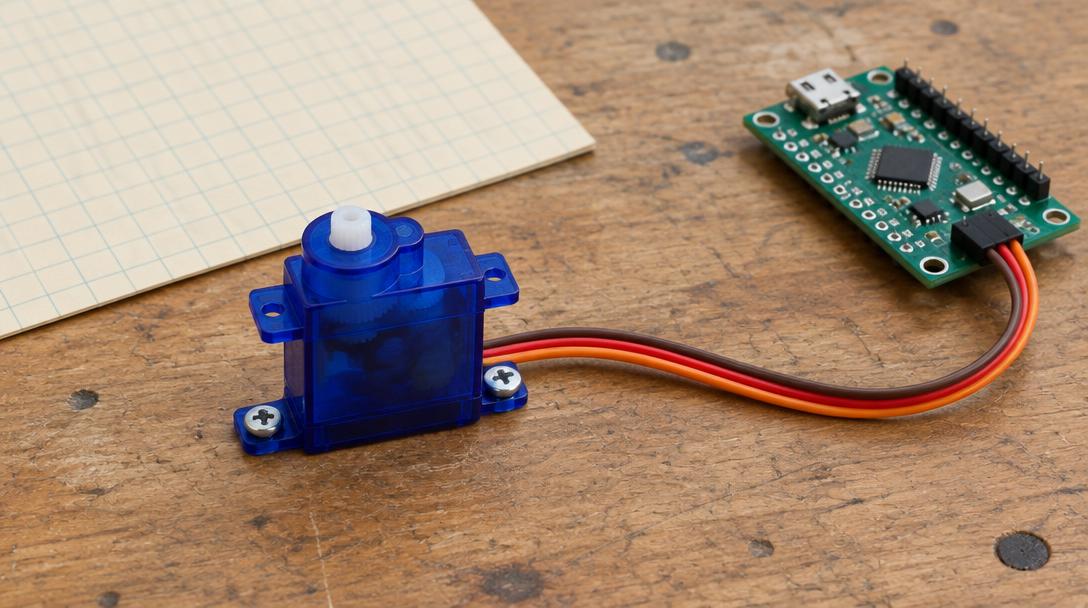
Mission goal: Drive a positional servo from GP13 using 50 Hz pulses between 1200 and 1800 microseconds, powered from a separate regulated 5 V supply with a shared ground.
Section 1
Understand
New ideas
- Why motors need their own power supply
- Shared ground between two power systems
- Servo control by pulse width at 50 Hz
- Clamping a value to a safe range
- 1A servo moves to a position set by pulse width (1200–1800 µs here).
- 2It needs its own regulated 5 V supply with a shared ground.
- 3Test with the horn off. Cut motor power if it binds or heats.
Safety first
- The servo must be powered from an external REGULATED 5 V supply able to deliver at least 1 A, with a suitable insulated connector. That supply may be an extra purchase beyond the kit, and an adult must check it before it is used.
- Never power a servo from a GPIO pin or from the 3V3 OUT pin. A servo pulls far more current than those pins can give, and trying it can damage the board.
- The external supply's positive wire connects to NO Pico pin at all. Not VBUS, not VSYS, not 3V3. The Pico stays powered from the USB cable.
- The only thing shared between the two power systems is ground: the external supply's 0 V connects to Pico GND at physical pin 38. Without that shared ground the servo cannot understand the signal.
- Secure the servo to something solid, such as taping it to a heavy book, before powering it. A loose servo whips around.
- Test with the horn removed, or at least with nothing attached to it. The very first command can make the servo jump suddenly to a new position.
- Actual lead markings on your servo override any colour convention. Red is usually positive and brown or black is usually ground, but check the printed markings or the supplier's documentation.
- If the servo buzzes continuously, gets hot, or is clearly straining against something, cut the motor power immediately.
- Switch BOTH the USB power and the external supply off before any rewiring, and before fitting or removing the horn.