00 30 minutes
Meet the robot brain
Install the tools, wake the board, blink the light that is already on it
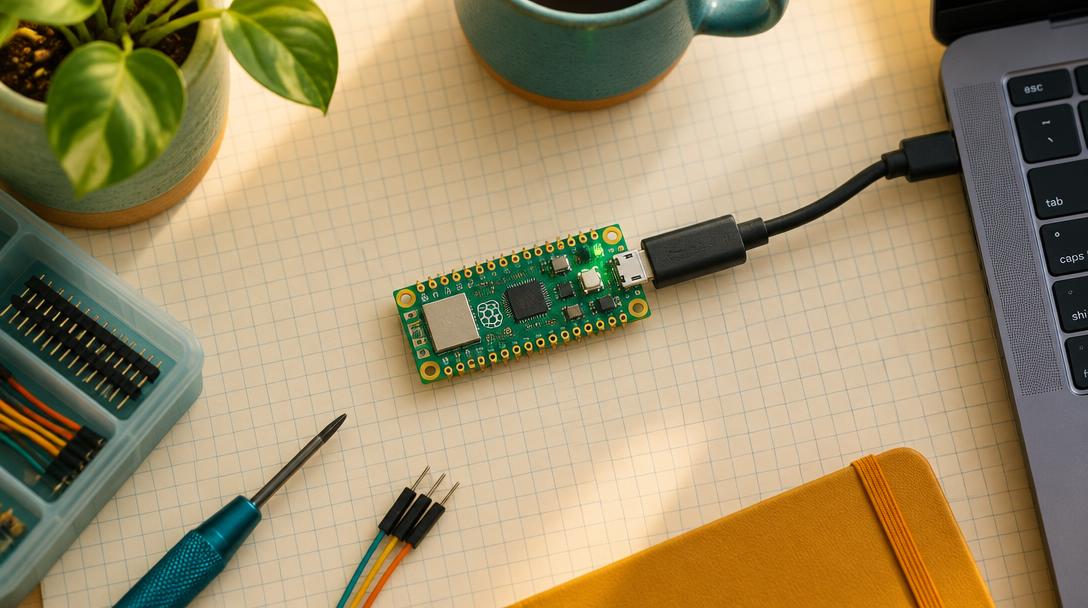
Mission goal: Get MicroPython onto your Raspberry Pi Pico W, talk to it from Thonny, print a greeting, and blink the small LED that is built into the board.
Section 1
Understand
New ideas
- What a microcontroller is and why it needs firmware
- What the >>> prompt in Thonny means
- Running a script on the board instead of on your computer
- try / finally: always leave the hardware in a safe state
- 1The Pico W is a tiny computer that runs your code.
- 2Thonny sends MicroPython code to the board over a USB data cable.
- 3The light on the board is Pin("LED"), not GP25.
Safety first
- Use a USB cable that carries data, not a charge-only cable. A charge-only cable will power the board but Thonny will never see it.
- Hold the board by its edges. Dry hands, no metal on the table under the board.
- Nothing is wired in this mission, so there is nothing that can be wired backwards. Enjoy it while it lasts.